
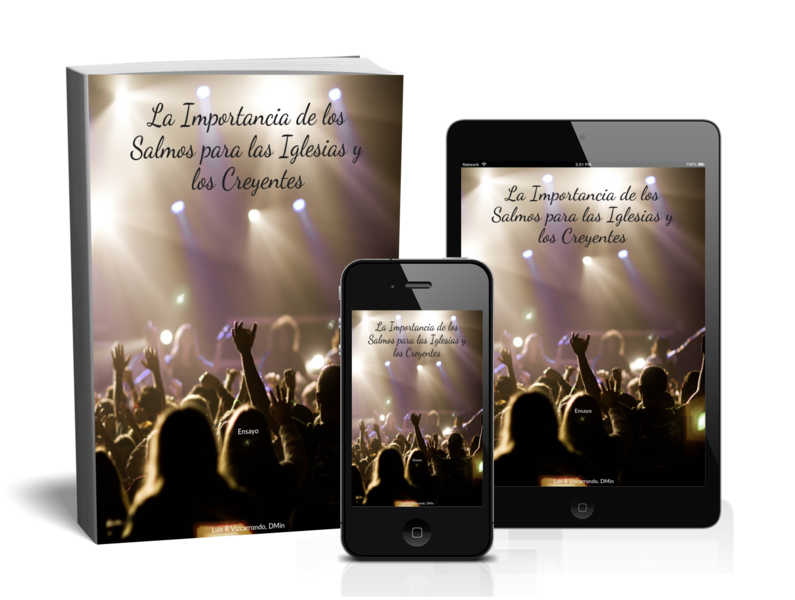
La Importancia de los Salmos para las Iglesias y los Creyentes
Free
En este ensayo exploro por qué los Salmos son tan importantes para la vida de la iglesia y de los creyentes, combinando un repaso bíblico-teológico con mi propia experiencia pastoral y devocional. Muestro cómo, desde el uso que hizo Jesús de los Salmos hasta las exhortaciones de Pablo a cantar “salmos, himnos y cánticos espirituales”, este libro ha sido parte central de la fe del pueblo de Dios, de la liturgia de la iglesia primitiva y de la formación cristiana a lo largo de la historia.
Presento el trasfondo del salterio (su nombre en hebreo, su ubicación en la sección de los Escritos, su recepción en la Septuaginta y en la Vulgata) y cito a autores como Pagán, Douglas y Lockward para subrayar su riqueza teológica, pastoral y espiritual. Señalo que los Salmos han servido de base para la cristología y la misión de la iglesia, y que su amplitud temática los convierte en una literatura universal que habla tanto a creyentes como a no creyentes en medio de la complejidad de la vida.
En tono personal, confieso que yo mismo recurro a los Salmos cuando me cuesta orar, y encuentro en ellos palabras para sostener mis oraciones y procesar mis emociones delante de Dios. Concluyo afirmando que, por su profundidad bíblica, su fuerza litúrgica y su capacidad de dar voz al clamor humano, los Salmos siguen siendo una herramienta imprescindible para la iglesia y para los creyentes que desean adorar, lamentar, agradecer y confiar en Dios con honestidad y esperanza.
✅ How to Install and Read Your EPUB Book
Thank you for purchasing this digital book! EPUB is one of the most common and flexible ebook formats, and you can read it on almost any device—phone, tablet, or computer. Follow the simple steps below to begin enjoying your book.
📱 Reading EPUB on iPhone or iPad
1. Download the EPUB file from the link you received.
2. Tap “Open in…” when the download finishes.
3. Select an eReader app, such as:
Apple Books (recommended)
Kindle App (after conversion)
Google Play Books
Any EPUB-compatible reader
4. Your book will automatically import into your chosen app.
🤖 Reading EPUB on Android Phones/Tablets
1. Download the EPUB file from your link.
2. Open an EPUB-compatible reading app, such as:
Google Play Books (recommended)
Kobo
Moon+ Reader
ReadEra
3. In the app, choose “Import” or “Upload” and select the downloaded EPUB file.
4. The book will appear in your library.
💻 Reading EPUB on Windows Computer
Windows does not come with a built-in EPUB reader, so install one of these free apps:
Calibre (recommended)
Thorium Reader
Adobe Digital Editions
Steps:
Download and install the reader.
Download your EPUB file.
Open your reading program and select “Add Book” or double-click the EPUB file to open it.
🖥️ Reading EPUB on Mac Computers
MacOS has a built-in reader:
Use Apple Books (recommended)
Download your EPUB file.
Double-click the file.
It will automatically open and be added to your Books library.
📚 Reading EPUB on Kindle (Optional)
Kindle devices do not read EPUB natively, but you can use Amazon’s “Send to Kindle” feature.
Steps:
Upload your EPUB.
It will be converted and delivered to your Kindle library within minutes.
⭐ Recommended Apps (Simple and Reliable)
Apple Books (iPhone, iPad, Mac)
Google Play Books (Android, iOS, web)
Kobo App (Android, iOS)
Calibre (Windows, Mac, Linux)
📝 Tips for the Best Reading Experience
Use the app's font size, brightness, and background options to make reading easier.
Create highlights and notes for study or reflection.
Backup your EPUB file so you can download it again if your device changes.